
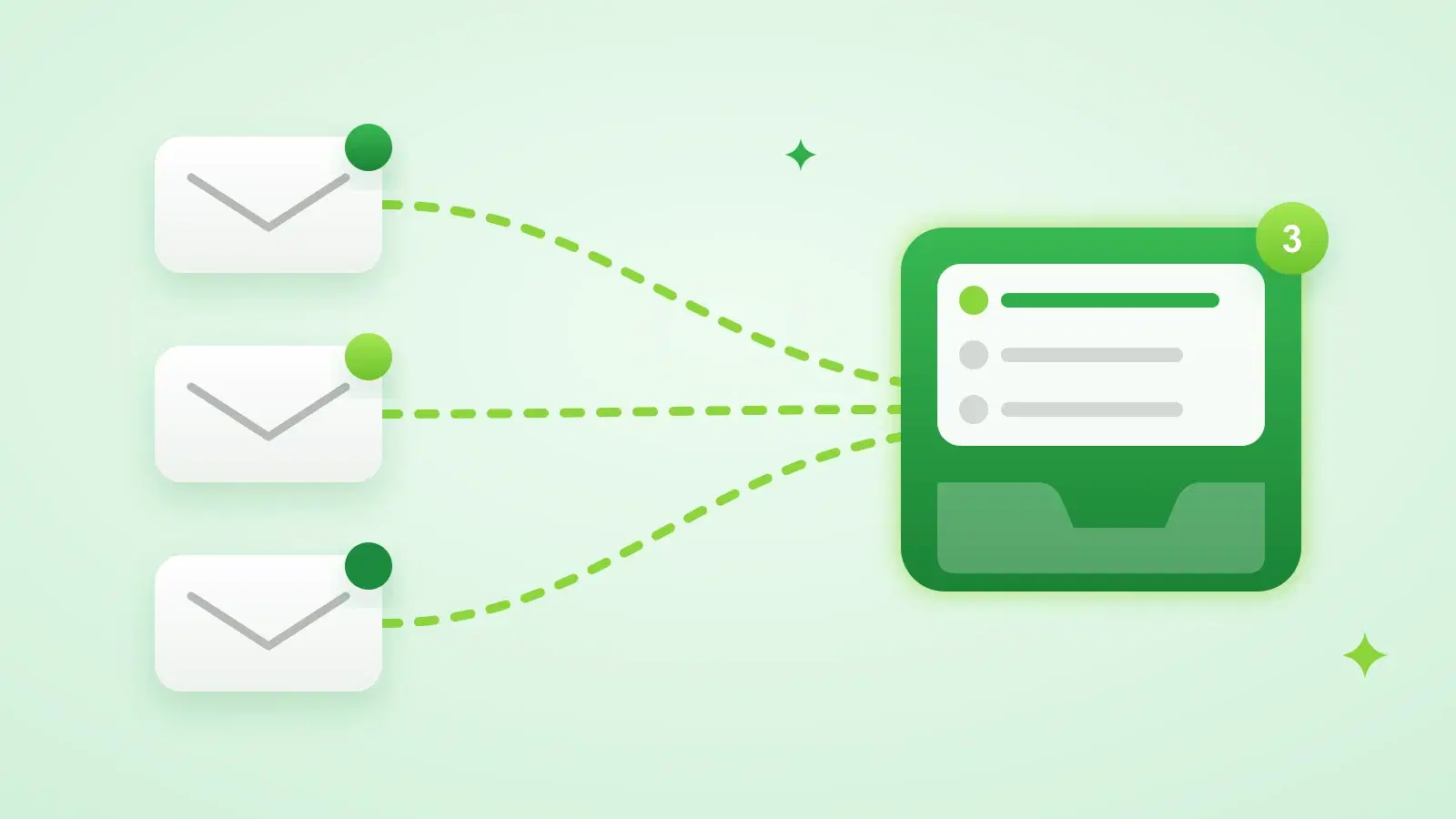
Sending cold email from several mailboxes is normal: it spreads volume, protects your main domain and lets more than one person send. The cost is that replies scatter. Someone has to check five inboxes, and the one nobody checked is where the interested reply was.
Your options for managing multiple inboxes
| Approach | Good for | The catch |
|---|---|---|
| Log in to each mailbox | One or two mailboxes | Replies get missed as you add more |
| Forward everything to one address | Reading replies quickly | Answers come from the wrong address and break the thread |
| Add every account to one mail app | Reading and replying in the right thread | No link to the campaign, so follow-ups don't stop on their own |
| Shared team inbox tool | Support-style email handled by several people | Not connected to your outreach sequences |
| Unified inbox in your outreach tool | Cold email replies | Only covers mail sent through that tool |
For outreach, the unified inbox inside the sending tool wins, because it knows which campaign and lead each reply belongs to. That's what lets it stop follow-ups, tag intent and report reply rates.
How to connect your email to a sales automation platform
- 1Prefer OAuth
For Gmail and Microsoft 365, sign in with Google or Microsoft instead of sharing a password. You can revoke access at any time from your account settings.
- 2Use SMTP plus IMAP for everything else
Most other providers give you SMTP details for sending and IMAP details for reading replies. Use an app password where your provider offers one.
- 3Authenticate the domain
Add SPF, DKIM and DMARC records for each sending domain before the first campaign.
- 4Send a test and reply to it
Check that the reply shows up in the tool's inbox and in the original mailbox.
In Stynar you can connect Gmail and Outlook or Microsoft 365 with OAuth, or any provider over SMTP, with unlimited mailboxes on every plan. Outlook mailboxes, and SMTP mailboxes with IMAP details, are read directly. Gmail mailboxes connected with OAuth use a Stynar reply-capture address in Reply-To, so replies still arrive in your Gmail and also appear in Stynar. If you'd rather have Gmail read directly, you can connect it by SMTP with an app password and IMAP instead.
Working through replies from one inbox
- Filter by mailbox when you need to, but work from the combined view by default.
- Reply from the mailbox that sent the campaign, in the same thread, so the lead sees one conversation.
- Sort by intent first: interested, not interested, out of office, unsubscribe.
- Keep bounces and automated mail out of the inbox and out of your reply rate.
- Make sure a reply from a lead stops every follow-up still scheduled for them.
Stynar's Inbox collects replies from every connected mailbox, usually within 5 to 15 minutes. It filters out bounces and automated mail, tags each reply by intent with AI, stops follow-ups when a lead replies, and lets you answer in the same thread from the campaign's mailbox. You can filter by tag, unread or mailbox, star conversations and search.
If several people handle replies
Stynar is built around one account per user today, with any number of mailboxes inside it, so a founder or a small team sharing one login can work every reply from one Inbox. If you need separate seats with their own permissions and assignment rules, a dedicated shared-inbox tool may suit the reply-handling side better. Ask us at hello@stynar.com what's planned.
For what to do with each reply once it's in front of you, see our guide to tracking and managing cold email replies.
Frequently asked questions
How do I manage team email replies in one inbox?
Connect every sending mailbox to one outreach tool with a unified inbox, so replies from all of them land in one place, tagged by campaign and intent. In Stynar, replies from all your connected Gmail, Outlook and SMTP mailboxes appear in one Inbox.
What tools manage multiple email inboxes together?
Mail apps that add several accounts, shared-inbox tools for support teams, and outreach platforms with a unified inbox. For cold email, the outreach platform's inbox is the best fit, because it links each reply to the campaign and stops follow-ups automatically.
Is it safe to connect my email to a sales automation platform?
Use OAuth for Gmail and Microsoft 365 so you never share your password and can revoke access any time. For other providers, use an app password over SMTP and IMAP rather than your main password.
Will replies still show up in my own mailbox?
Yes. With Stynar, replies stay in the mailbox you sent from, and also appear in Stynar's Inbox.