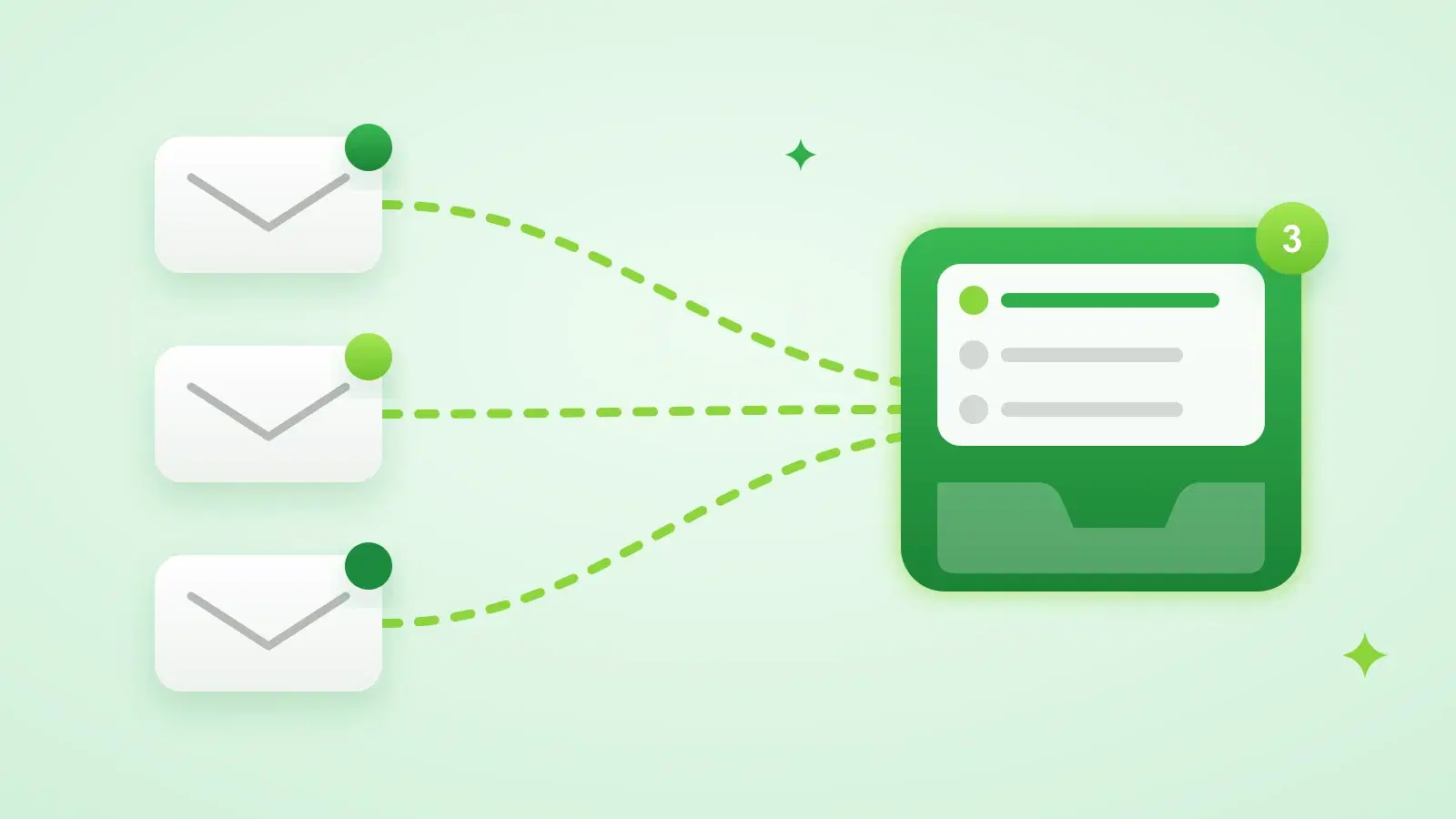

Sending is the easy half of cold email. The half that decides whether you get meetings is what happens after: knowing who actually engaged, seeing every reply quickly, and answering the right people first. This guide covers both, tracking and reply handling, and what to automate versus what to keep for yourself.
How to track email opens and reply rates
| Metric | How it's measured | How much to trust it |
|---|---|---|
| Open rate | A tiny invisible image (tracking pixel) loads when the email is opened | Low. Privacy features and scanners open emails automatically |
| Click rate | Links are routed through a redirect that records the click | Medium. Some security scanners click links too |
| Reply rate | Replies divided by emails delivered | High. A reply is a person |
| Positive reply rate | Interested replies divided by emails delivered | Highest. This is the number that turns into meetings |
| Bounce rate | Emails rejected by the receiving server | High. Keep it under 2% |
| Unsubscribes and complaints | Unsubscribe link clicks, opt-out replies and spam reports | High. Gmail and Yahoo expect spam complaints under 0.3% |
Why open rates are unreliable
- Apple Mail Privacy Protection preloads every email for Apple Mail users, including the tracking pixel, whether or not they read it.
- Corporate security scanners open and inspect emails before they reach the inbox.
- Some mail clients block images by default, so real opens go uncounted.
- The pixel is an extra image in the email, which some spam filters weigh. Sending plain-text-style emails with a custom tracking domain keeps that risk low.
Use opens to spot problems, such as a campaign with almost no opens, which usually means a deliverability issue, not to judge a subject line. Judge copy on replies.
Stynar tracks opens, clicks, replies, bounces and unsubscribes for every campaign. Opens from Apple's privacy proxy, known scanner bots, and opens that happen within seconds of sending are recorded separately from human opens, so they don't inflate your open rate. You can also set up your own tracking domain, so tracked links use your domain instead of a shared one.
How to calculate reply rate
Reply rate = replies ÷ emails delivered × 100. Count unique leads who replied, not reply messages, and leave out bounces and automated mail such as delivery failures. Track it per sequence step too: if nearly every reply comes from the first two emails, your later steps need rewriting or removing.
How to track and manage email campaign replies
- 1Capture every reply
Connect every mailbox you send from, so no reply sits unseen in an inbox nobody checks.
- 2Filter out noise
Bounces, delivery failures and other automated mail aren't replies. Keep them out of your reply count and your inbox.
- 3Stop the sequence
The moment a lead replies, cancel their remaining follow-ups. Out-of-office replies are the exception: push the next step back instead.
- 4Sort by intent
Tag each reply: interested, not interested, out of office, unsubscribe or other.
- 5Act on the tag
Answer interested leads first, honour every opt-out immediately, and close the loop politely with the rest.
- 6Measure
Positive reply rate per campaign and per step tells you what to keep writing.
What to do with each type of reply
| Reply type | What it looks like | What to do |
|---|---|---|
| Interested | "Sure, tell me more", "Can we talk Thursday?" | Reply within hours, in the same thread, and offer a specific time |
| Question or referral | "What does it cost?", "Talk to Priya, she runs this" | Answer the question directly, or thank them and email the referral with context |
| Not interested | "Not a fit", "We already use something" | A one-line thank-you, no further follow-ups |
| Out of office | An automatic away message with a return date | Keep the lead, delay the next step until they're back |
| Unsubscribe | "Remove me", "Stop emailing" | Suppress the address immediately, across every campaign |
In Stynar, replies from every connected Gmail, Outlook and SMTP mailbox land in one Inbox, usually within 5 to 15 minutes. Bounces and automated mail are filtered out, follow-ups stop on their own when a lead replies, and AI tags each reply as interested, not interested, out of office or unsubscribe. You can filter by tag, unread or mailbox, star conversations, search, and see every lead still waiting for a reply under Sent.
How to respond to email replies at scale
- Triage before you write. Open the Interested filter first; those replies go cold fastest.
- Reply in the same thread from the mailbox that sent the campaign, so the lead sees one consistent conversation.
- Keep a few saved answers for the questions you get every week (pricing, how it works, who it's for), then add one line that's specific to the person.
- Answer the question they asked, then make one small ask: a time for a call, or permission to send a two-line example.
- Hand opt-outs and bounces to automation. Nobody should be emailed again after asking to stop.
- Let scheduling run itself where you can. Proposing a real free slot beats a back-and-forth about calendars.
- Set a daily reply window, for example twice a day, so replies get answered within hours, not days.
Stynar lets you reply from the Inbox in the same thread, sent from the campaign's mailbox. When a reply shows scheduling intent and Google Calendar is connected, Stynar books a free time or emails the lead your available slots, then creates the event with a Google Meet link. Unsubscribe replies and unsubscribe-link clicks suppress that address across your account.
What to automate and what to keep for yourself
| Task | Automate it? | Why |
|---|---|---|
| Collecting replies from every mailbox | Yes | Missed replies are lost deals |
| Filtering bounces and automated mail | Yes | They distort your reply rate and clutter the inbox |
| Stopping follow-ups on reply | Yes, always | Emailing someone who already answered is the fastest way to annoy them |
| Tagging replies by intent | Yes, then spot-check | Speeds up triage; check anything tagged "other" |
| Honouring unsubscribes | Yes, always | It's required, and it protects your sender reputation |
| Booking meetings | Yes, if your calendar is connected | Removes the scheduling back-and-forth |
| Answering interested leads | Write or check it yourself | This is where deals are won or lost |
Common reply-management mistakes
- Replies spread across several mailboxes that nobody checks every day.
- Follow-ups still going out after a lead has said yes, or no.
- Counting out-of-office and bounce messages as replies, which makes reply rate look better than it is.
- Judging subject lines on open rate when most opens are automated.
- Waiting days to answer an interested lead.
Reply handling works best on top of a good sequence. See our guide to building a cold email follow-up sequence for the timing, stop rules and what each follow-up should say.
Frequently asked questions
How do I track email opens and reply rates?
Opens are tracked with a small invisible image in the email, and replies by matching incoming emails to the lead and campaign they answer. Reply rate is replies divided by emails delivered. Treat open rate as a rough signal, because Apple Mail Privacy Protection and security scanners open emails automatically, and steer by reply rate and positive reply rate instead. Stynar tracks opens, clicks, replies, bounces and unsubscribes per campaign and records automated opens separately from human ones.
How do I track and manage email campaign replies?
Bring every sending mailbox into one inbox, filter out bounces and automated mail, stop follow-ups the moment a lead replies, tag each reply by intent, and answer interested leads first. In Stynar, replies from all your Gmail, Outlook and SMTP mailboxes land in one Inbox, tagged automatically as interested, not interested, out of office or unsubscribe.
How do I respond to email replies at scale?
Triage by intent, answer interested leads first in the same thread, use saved answers for common questions with one personal line added, let unsubscribes and meeting booking run automatically, and set a fixed reply window each day so nobody waits more than a few hours.
Are email open rates accurate?
Not very. Apple Mail Privacy Protection loads tracking pixels for Apple Mail users automatically, and corporate security scanners open emails before people do, so open rates are inflated. Some clients block images, so real opens are also missed. Use reply rate to judge a campaign.
What is a good cold email reply rate?
It varies widely by audience, offer and list quality, so compare against your own past campaigns rather than a published benchmark. Track positive replies separately, because a high reply rate full of "not interested" isn't success.
Should follow-ups stop when someone replies?
Yes, always, for any real reply. The exception is an out-of-office auto-reply, which isn't an answer: delay the next step instead. Stynar stops follow-ups automatically when a lead replies and keeps the sequence going after out-of-office replies.