Most AI-written cold emails fail the same way: they sound like nobody. The words are fine, but the email could have come from any company to any person, and readers spot it in one line. The fix isn't a cleverer prompt. It's deciding which parts of the email are yours, and which part the AI is allowed to touch.
Why AI emails stop sounding like you
- The AI writes the whole email, so your phrasing, offer and sign-off are replaced by its defaults.
- It has nothing real to say about the recipient, so it fills the gap with "I came across your company" or invented praise.
- It doesn't see the rest of your email, so its tone, length and formality don't match yours.
- Nobody reads the output before it goes out.
Split the email: your words, plus one AI line
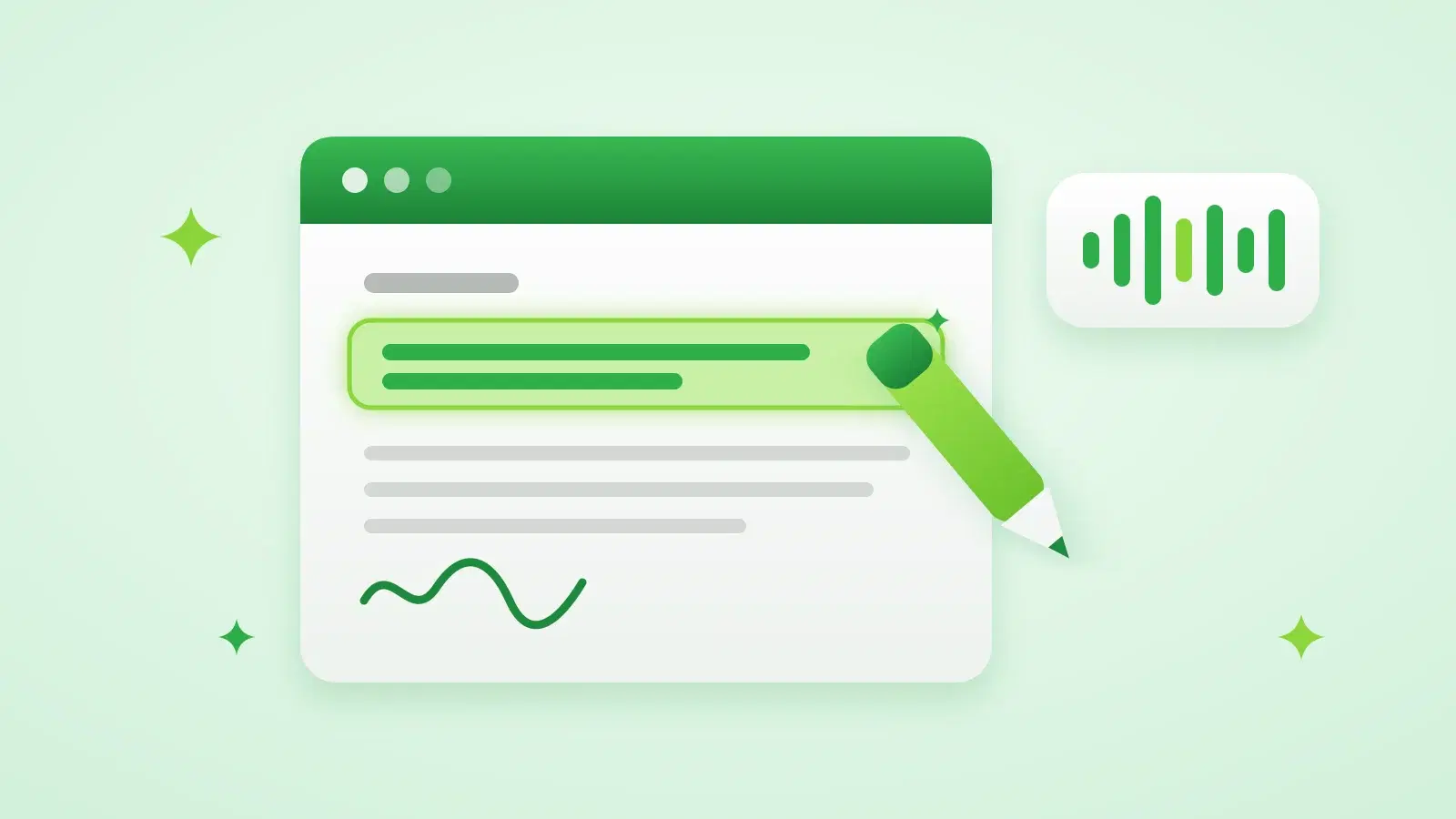
Write the template the way you'd write to one person: your greeting, why you're writing, what you offer, one clear ask, your sign-off. Then mark the one spot that should be different for every lead, usually the line after the greeting. That's the only part the AI writes. Your voice stays in every email because most of every email is still yours.
Hi {{firstName}},

{{AI_CONTENT}}

I run Stynar, a small tool that finds leads and writes the first line of each cold email from a real detail about the company, like the one above.

Worth a 15-minute look next week?

PranavRules that keep the AI line natural
- Ground it in one specific fact: the company's product, a recent launch, hiring, funding, or the person's role. One sharp detail beats three vague ones.
- Never invent a detail. If nothing specific is known, a plain line about their role or industry is better than made-up praise.
- Show the AI the sentences before and after the line, so it flows into your next sentence instead of restating it.
- Match your length. If your emails are short, the line should be one or two sentences, not a paragraph.
- Ban the tells: "I hope this finds you well", "I came across your profile", "I was impressed by".
- Write in the recipient's language when you know it, and keep the rest of the template in that language too.
Check before you send
- 1Preview five leads
Pick a mix: a big company, a small one, and someone with almost no public information.
- 2Read them out loud
If a line sounds like something you'd never say, tighten the template around it.
- 3Check the facts
Every detail should be something you could find on their website or in the news.
- 4Send a small batch
Read the replies, not the opens, to judge whether the voice works.
How Stynar does it: you write the email, and the {{AI_CONTENT}} line is written per lead by AI that researches the company on the web first. The AI is told to match the tone, language and sentence style of the rest of your email, use one real detail from the research, and never make one up. If research finds nothing, it personalizes from the lead's role, company and industry instead. Email previews are free, so you can check the output before a campaign starts.
What to look for in an AI email writing tool
| Question to ask | Why it matters for your voice |
|---|---|
| Can I write the template and limit AI to part of it? | Keeps your offer, phrasing and sign-off identical in every email |
| Does it research each recipient? | Without real facts, the AI writes generic filler |
| Does it see the rest of my email? | So its tone and length match yours |
| Can I preview the output for real leads? | You should never find out what was sent after it's sent |
| Does it send plain text from my own mailbox? | Plain emails from a real person read as personal, and help deliverability |
For more on what good personalization looks like, and what to avoid, see our guide to AI personalization that doesn't read like a template.
Frequently asked questions
How do I write emails in my own voice at scale?
Write the template yourself and let AI write only the line that changes per person, based on a real fact about their company. Give the AI your surrounding text so it matches your tone and length, and preview a few before sending.
Can AI-generated emails maintain my personal brand?
Yes, if the AI doesn't write the whole email. Keep your greeting, offer, ask and sign-off fixed, and use AI for one personalised line. The reader then gets your voice with a detail that shows you looked them up.
What makes AI emails sound natural?
One specific, true detail about the recipient, short sentences that match the rest of the email, and no stock openers like "I hope this finds you well". Plain text from your own mailbox helps too.
Does Stynar write the whole email?
No. In a campaign you write the email, and Stynar's AI writes the {{AI_CONTENT}} part for each lead, matching the tone and style of what you wrote. The AI Agent and the template editor can also draft a full email for you to edit.